
Bold Restaurant Reservation CTA: Divi 5 Layout
Warm, high-conversion Divi 5 CTA section for restaurants. Bold serif headline, gradient warm background, and a rounded reserve-your-table button with phone and email fallback.
Rate this element
Download this section, free
- Divi 5 JSON, imports in seconds
- Commercial license included
- No account needed
Click to view the full page
Overview
This is a single-panel restaurant CTA built around one clear job: turn a scroller into a reservation. The section runs a warm cream-to-coral gradient (#FFF4E6 → soft pink at 135°) layered over a food photograph, then floats a white card at 92% opacity dead-center in an 820px row. That card carries a 28px radius, a hairline coral border, and a soft rgba(212,120,90,0.18) drop shadow. So the copy reads on any background photo you swap in without losing contrast.
Hierarchy inside the card is deliberate and top-down. A tiny 13px Outfit eyebrow with 4px letter-spacing sets the credential line ("Handmade Pasta · Wood-Fired Oven · Since 2014"). Below it, a Playfair Display headline lands at 64px desktop / 48px tablet / 36px phone with a tight 1.05 line-height and -1px tracking, giving the display type real editorial weight. The Inter body sits underneath at 19px, capped at 620px so lines never stretch past a comfortable reading measure, and a pill-shaped terracotta button (#D4785A, 999px radius, coral glow shadow) anchors the eye. A muted 14px microcopy row closes the card with walk-in hours, an email link, and a phone number.
Spacing is generous but scales down cleanly: the section frames the card with 140px vertical padding on desktop, 100px on tablet, and 72px on phone, while the card itself trims from 72/64px padding down to 40/24px on mobile. The row is set to a column flex direction on phones so the card fills the viewport width edge-to-edge with breathing room. Nothing in the layout depends on hover-only behavior: the button's coral-to-deeper-coral hover (#B85D3F) is a bonus on desktop, not a requirement.
What’s inside
- Full-bleed section with a `#FFF4E6` cream base, a 135° peach-to-pink gradient overlay, and a food-photography background image set to cover
- Floating white card (92% opacity, 28px radius, 1px coral border, layered `preset3` shadow) that keeps copy legible over any hero image
- Divi 5 native Text module used as an uppercase eyebrow (Outfit 13px, 700 weight, 4px letter-spacing) in terracotta `#D4785A`
- Divi 5 Heading module in Playfair Display 800 (64px desktop, 48px tablet, 36px phone) with tight -1px letter-spacing for editorial punch
- Body Text module in Inter 19px capped at a 620px max-width so line lengths stay readable on wide screens
- Pill-shaped Divi 5 Button (999px radius, 20/48px padding) with a terracotta glow shadow and a darker `#B85D3F` hover color
- Footer micro-info Text with a live `mailto:` link styled in the accent color and a phone number for parties
- Responsive vertical rhythm: 140/100/72px section padding and 72/56/40px card padding across desktop, tablet, and phone
Who it’s for
Built for hospitality operators who need bookings, not brochures: neighborhood trattorias, chef-driven bistros, farm-to-table restaurants, wine bars, ramen shops, tasting-menu concepts, and coffee roasters running a weekend brunch. The tone (a signed credential line, a confident editorial headline, a single primary action) fits places with a story and a limited-seat problem. It also works cleanly for pop-ups, supper clubs, and residencies that sell out fast, or for a hotel restaurant that wants a distinct reservation module inside a broader page. Skip it if you sell delivery-first or ghost-kitchen menus; the CTA is oriented around table reservations, not online ordering.
Customization tips
Palette: the whole look is driven by four colors, swap the section background gradient stops, the eyebrow/button #D4785A, and the heading #3B2A24 to rebrand in a minute. Keep the card at 90–95% opacity so it stays readable over whatever photo you drop in.
Copy: headline works best at 8–12 words, anything longer breaks the 1.05 line-height. Keep the body paragraph to 35–55 words or it pushes the button below the fold on phones. The eyebrow line reads as three short beats separated by middots; treat it like a taxonomy, not a sentence.
Imagery: the background image renders as cover, center-center. Use a landscape 3:2 or 16:9 food shot around 1600×1067 minimum. Busy plating photos can fight the text; if yours is high-contrast, drop the gradient stop opacities to 0.92.
Link: point the button to your OpenTable/Resy/Tock URL (currently #reserve), and update the mailto: and phone number in the footer text.
How to install this layout
- Download the layout JSON file from this page.
- Open the target page in the Divi 5 builder.
- Open the portability panel (up/down arrows icon) and choose the Import tab.
- Upload the JSON. Tick “replace existing content” only for full-page imports.
- Check the page at desktop and mobile widths, then swap in your copy and images.
Full walkthrough with troubleshooting: How to Import a Divi 5 Layout.
Questions about Bold Restaurant Reservation CTA: Divi 5 Layout
What Divi 5 modules make up this section?
One Section, one Row (4_4 single column), and inside the column: a Text module for the eyebrow, a Heading module, a Text module for the body paragraph, a Button module, and a final Text module for the walk-in/contact strip. That's it: six modules, no third-party dependencies.
How does the layout behave on mobile?
The card fills the viewport (row flex-direction switches to column on phone), section padding drops from 140px to 72px vertical, card padding drops to 40/24px, the headline scales from 64px to 36px, and the body text shrinks from 19px to 17px. The button stays center-aligned and pill-shaped.
Can I replace the background photo?
Yes: the section holds one Pexels food image at `cover`, center-center. Swap it in the Section background settings for your own hero shot (landscape, 1600px+ wide works well). The peach-to-pink gradient overlay stays on top, so the card contrast is preserved.
Where do I hook up the reservation link?
Open the Button module and replace the `#reserve` link with your Resy, OpenTable, Tock, or SevenRooms URL. If you use an on-page widget instead, keep `#reserve` and add an anchor section below with your embed.
Can I keep the card but change the accent color?
The terracotta `#D4785A` appears in exactly three places: the eyebrow text, the button background, and the button hover shadow (`#B85D3F` is the hover shade). Update those three and the border color `rgba(212,120,90,0.18)` on the card to shift the whole scheme without touching layout.
What should I edit first after importing?
Headline, eyebrow credential line, and the reservation button URL. Then the microcopy row at the bottom with your email address and phone. Everything else (spacing, radius, shadow) is tuned to work as-is.
Which Divi version does this layout need?
Divi 5. The layout is generated natively for Divi 5 and validated against its real module structure before publication, so it imports clean into the current builder.
Can I use this layout on client websites?
Yes. Every download includes a commercial license covering unlimited sites you own or build for clients. Only reselling or redistributing the layout file itself is prohibited.
More call-to-action
Browse all call-to-action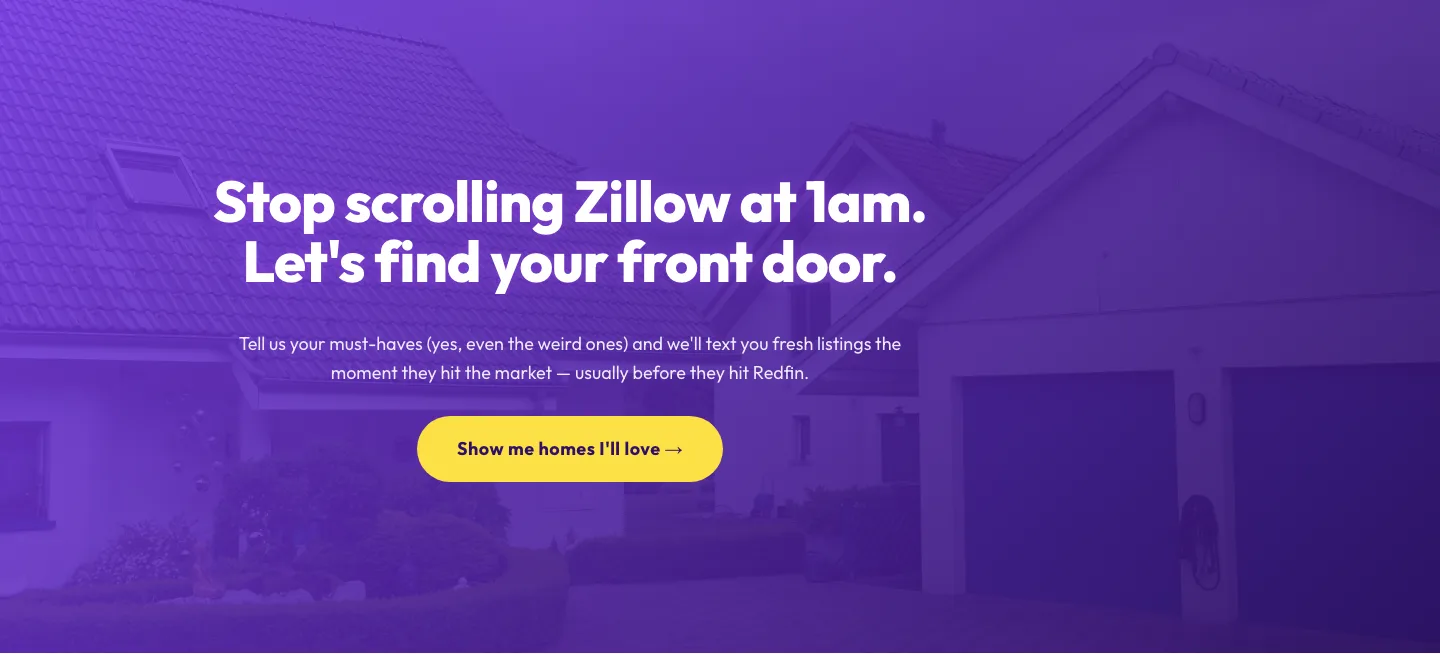
Playful Real Estate CTA: Purple Gradient Listing Alert Signup
cta · real_estate · playful
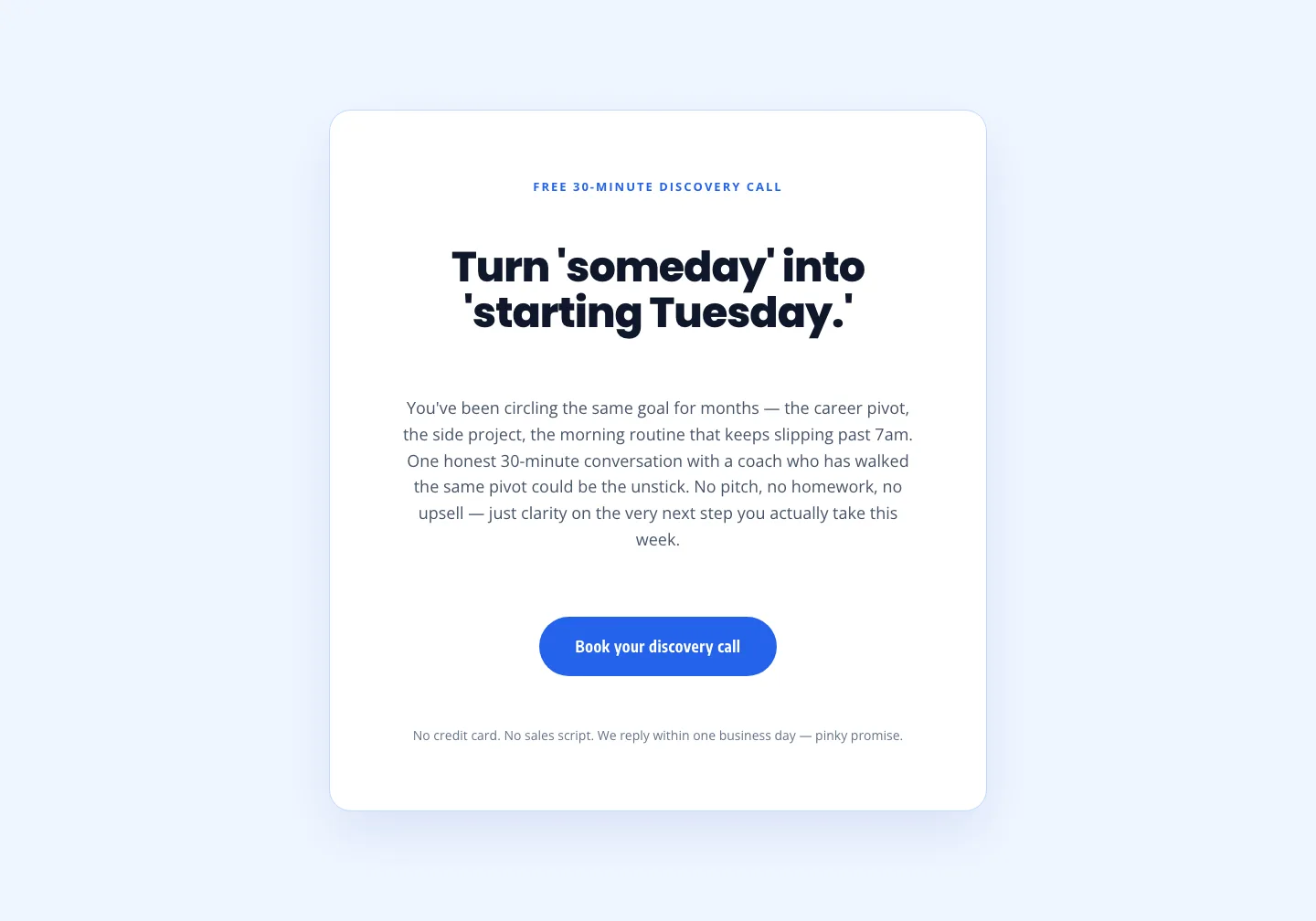
Coaching Discovery Call CTA: Playful Divi 5 Layout
cta · coaching · playful

Bold Purple SaaS CTA Banner: Full-Bleed Divi 5 Layout
cta · saas · bold
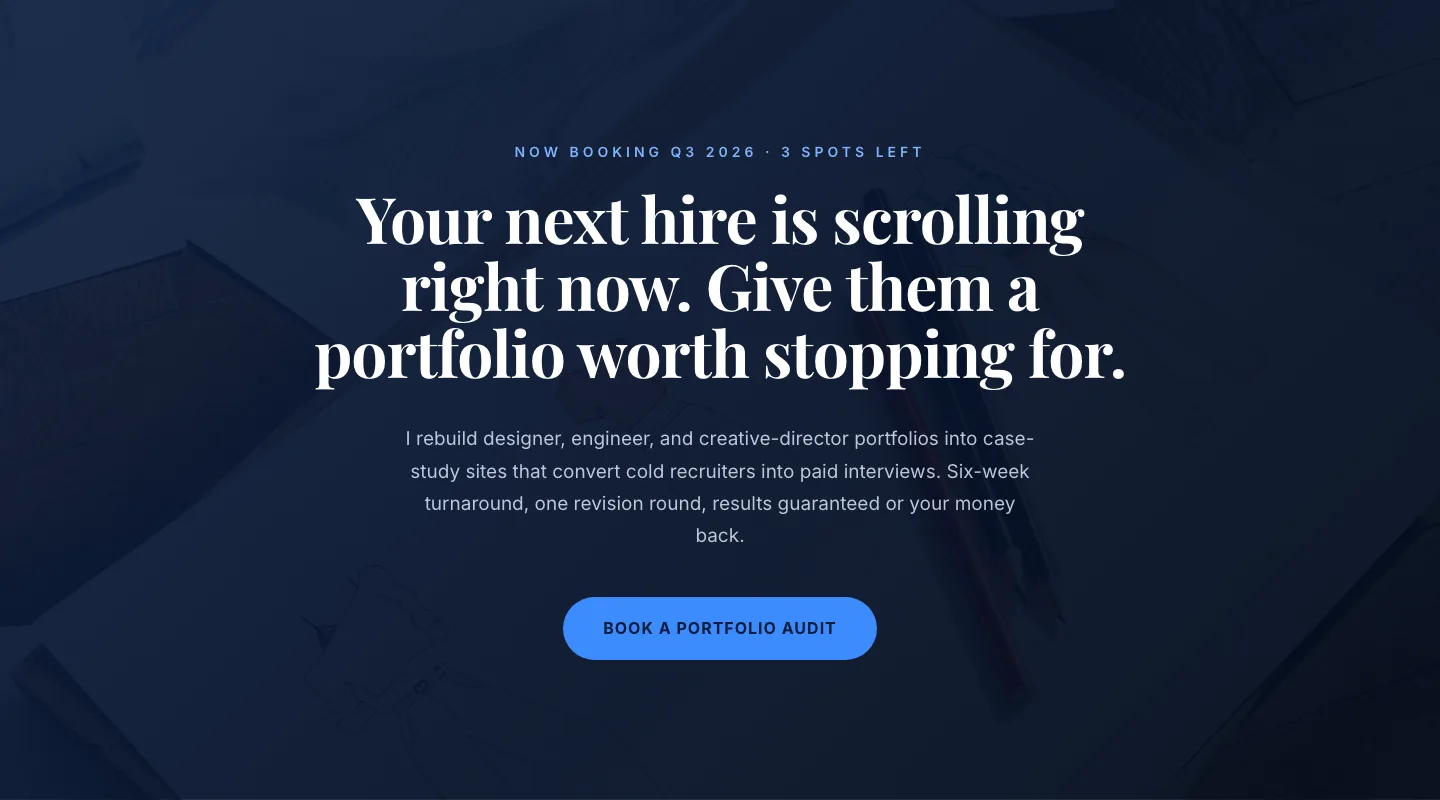
CTA: Portfolio Bold Blue
cta · portfolio · bold
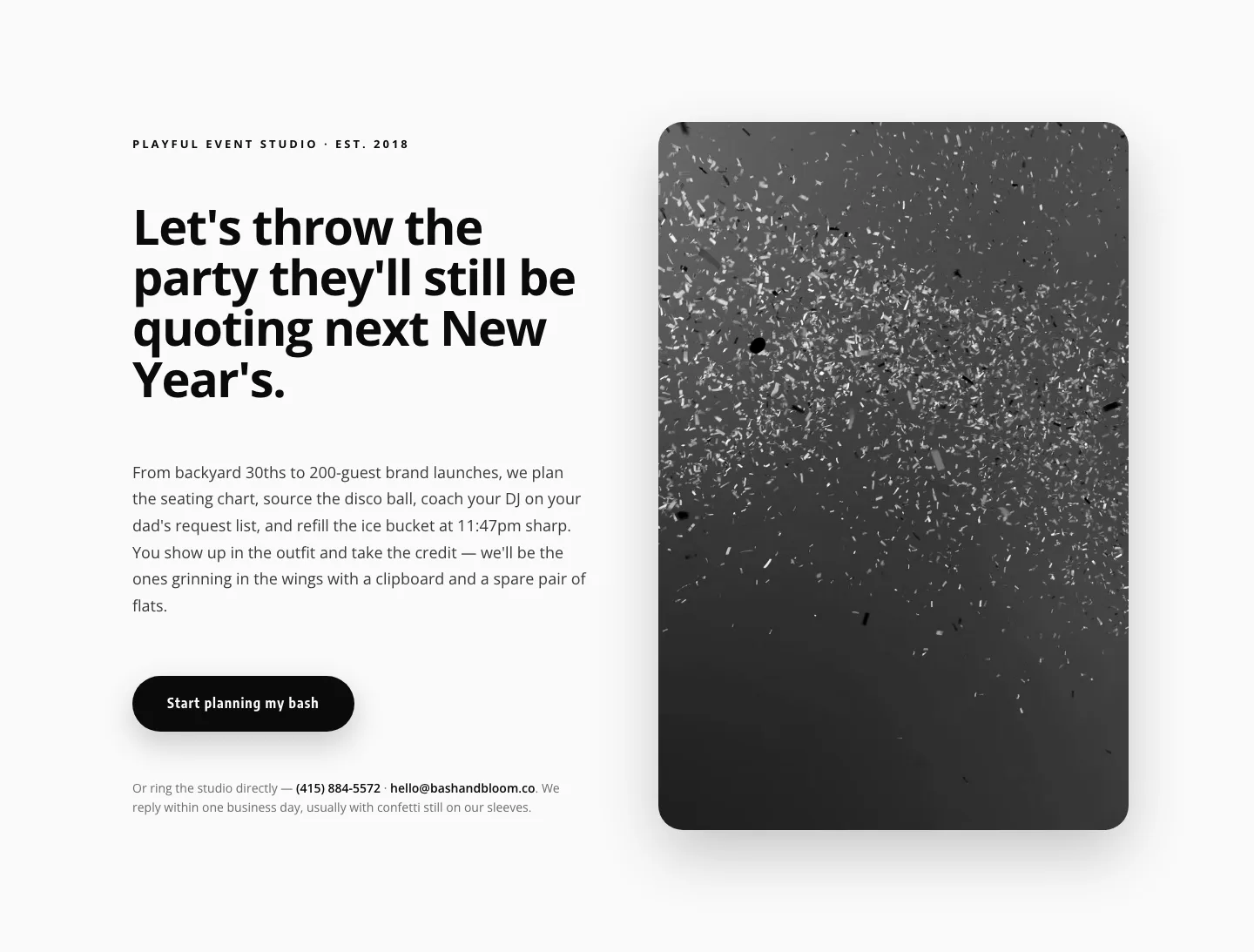
Playful Events CTA Layout for Divi 5: Bash & Bloom
cta · events · playful
Minimal SaaS CTA: Ship Features Faster
cta · saas · minimal