
Real Estate Divi 5 Layouts
Real estate layouts have to do two jobs at once: build trust in the agent or brokerage, and get a specific property or service in front of the right buyer. The best ones lean into large, honest photography and a calm, confident tone: no gimmicks, no clutter. Every layout below is a Divi 5 starting point you can rebrand for a single listing, a neighborhood microsite, or a full agency presence.
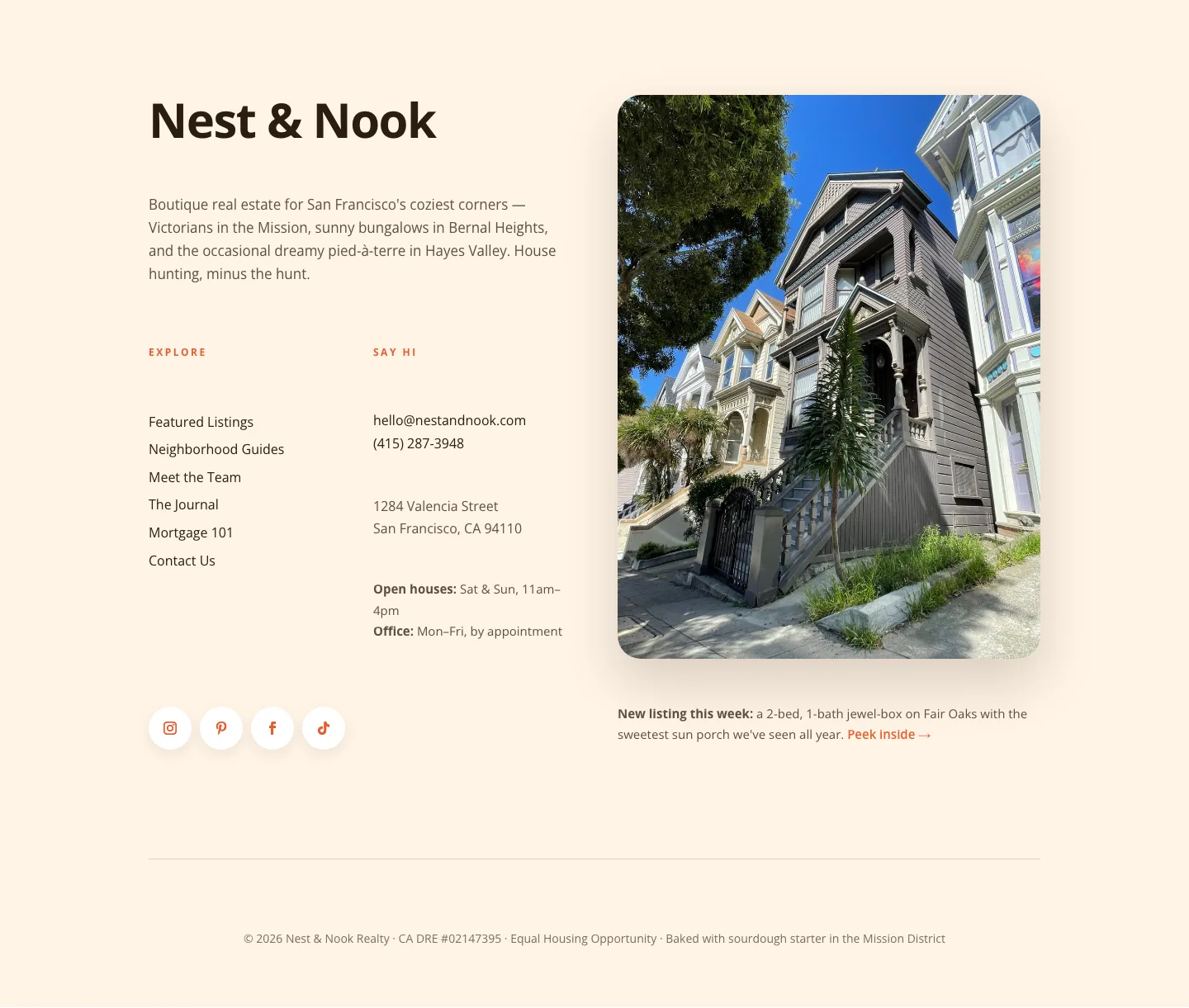
Playful Real Estate Footer: Warm, Boutique Divi 5 Layout
footer · real_estate · playful
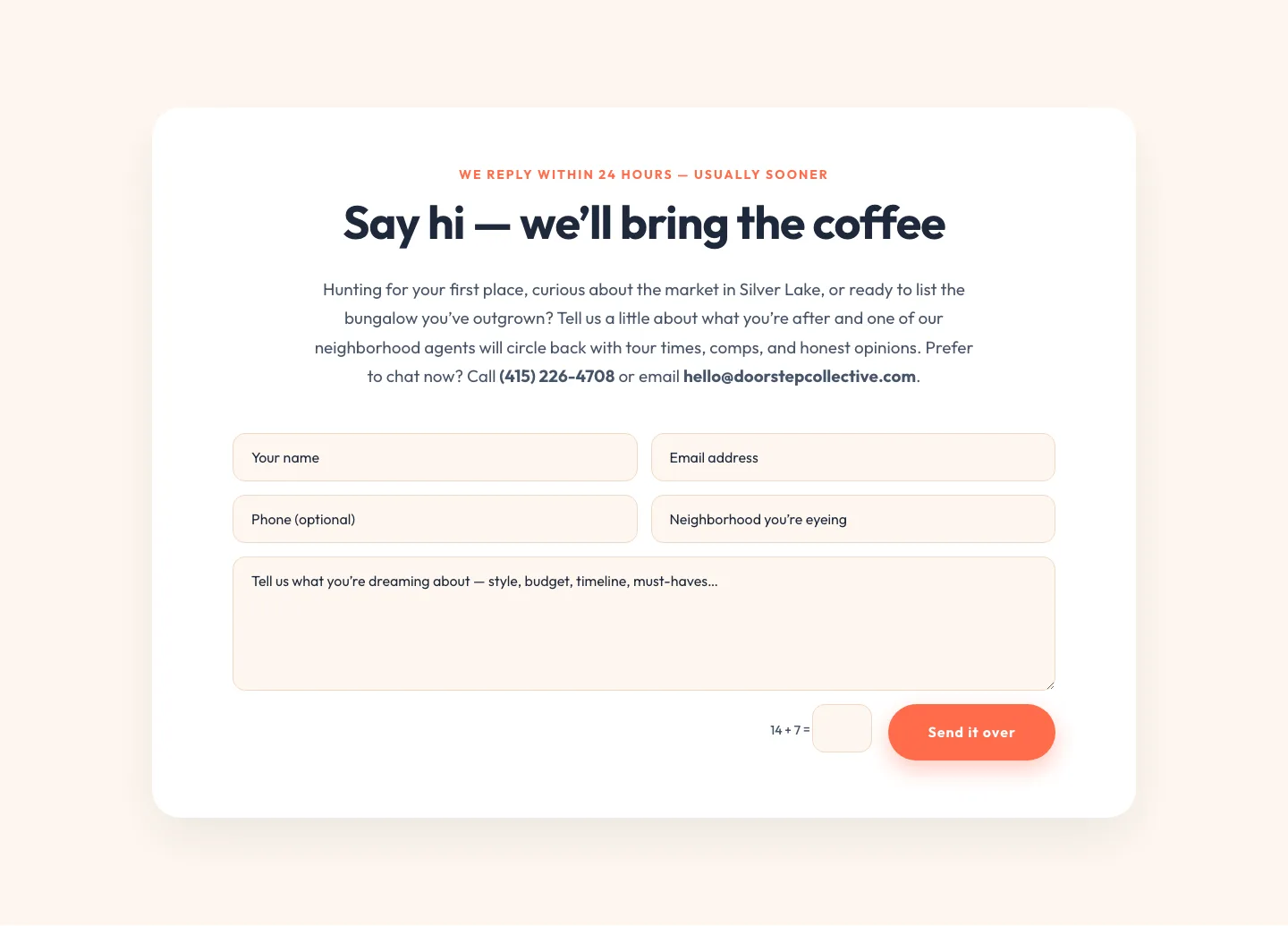
Playful Real Estate Contact Form Divi 5 Layout
contact · real_estate · playful
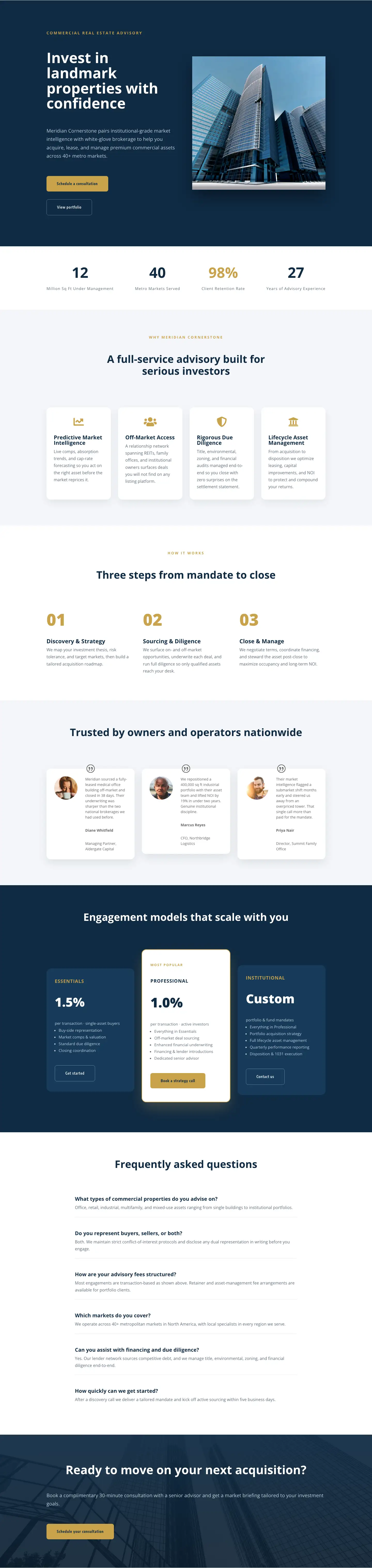
Commercial Real Estate Advisory Landing Page: Divi 5 Layout
full_landing · real_estate · corporate
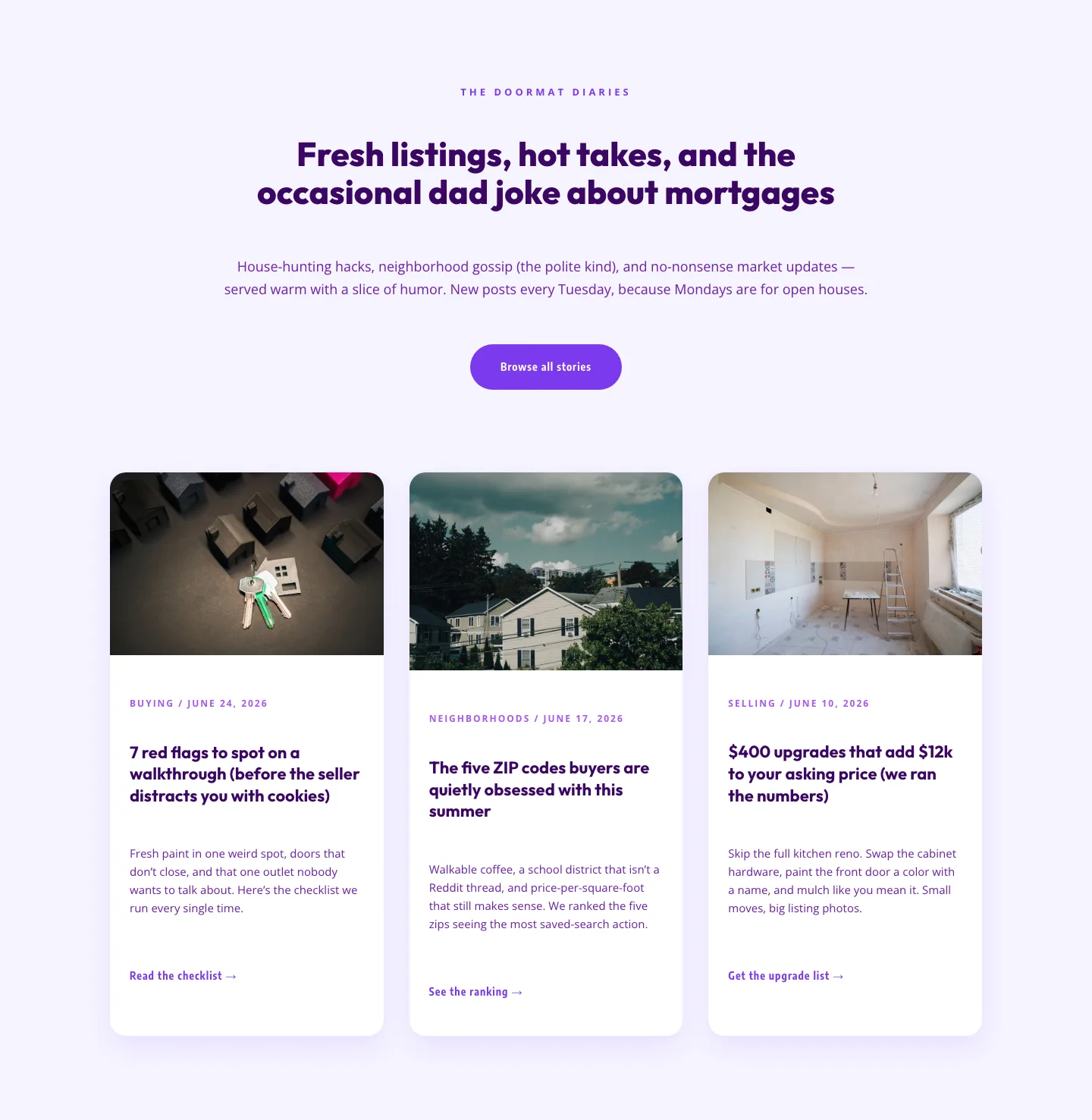
Playful Real Estate Blog Layout for Divi 5 | Divi5Lab
blog · real_estate · playful
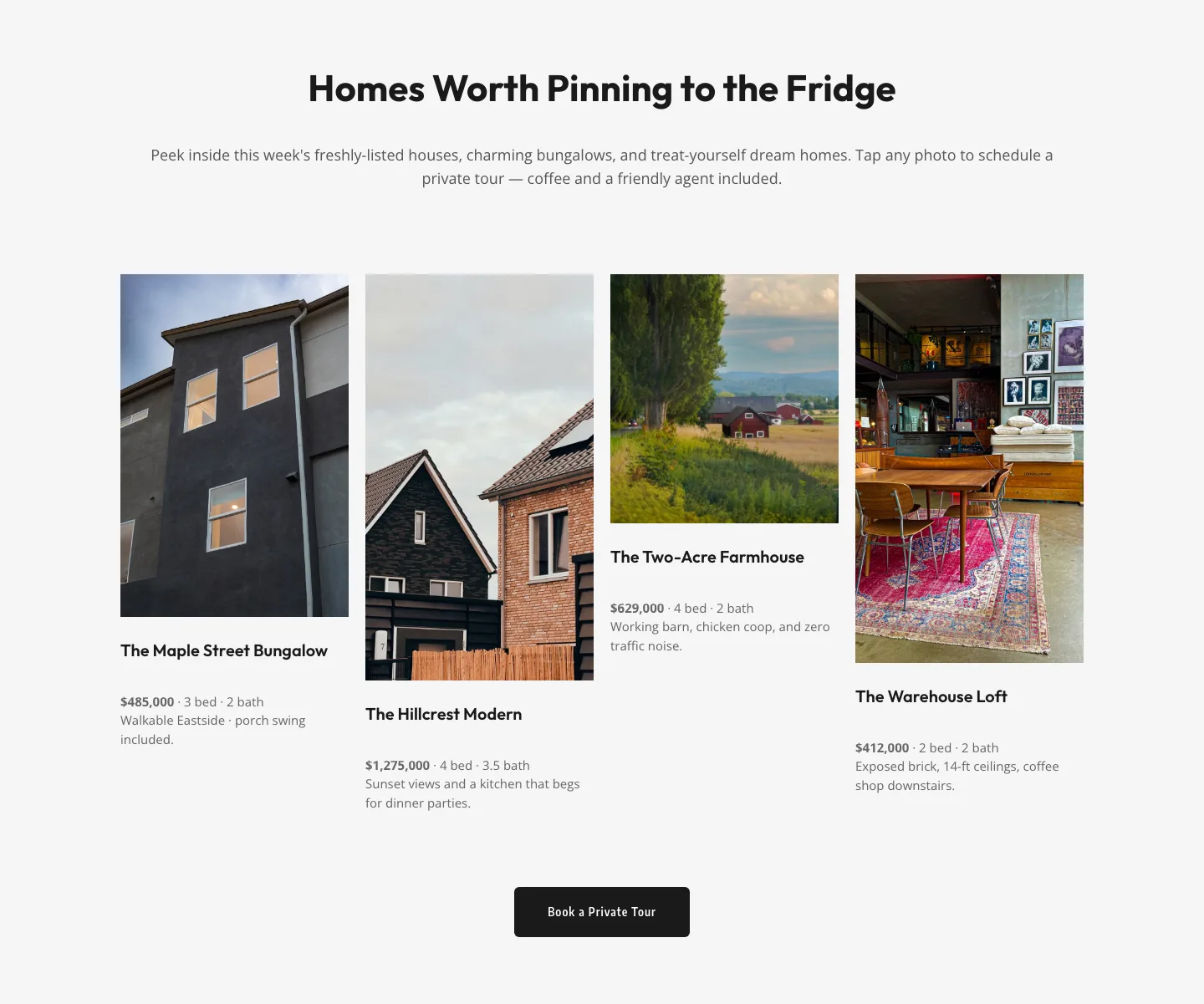
Playful Real Estate Listings Gallery: Free Divi 5 Layout
gallery · real_estate · playful
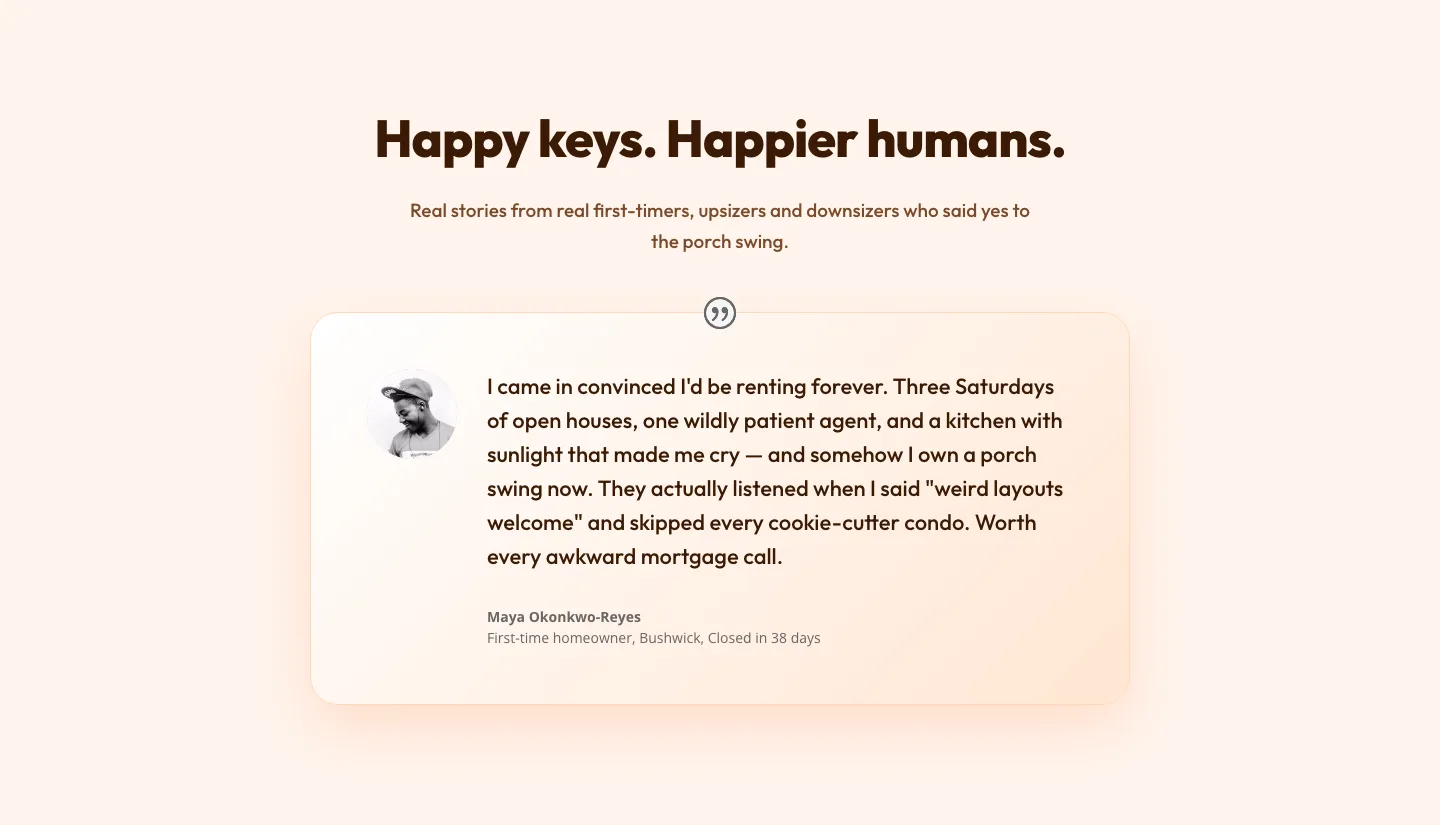
Playful Real Estate Testimonial Section for Divi 5
testimonials · real_estate · playful

Playful Real Estate CTA Section for Divi 5: Happy-Dance Home
cta · real_estate · playful
What makes a strong real estate layout
Real estate is a photo-led category. Buyers scan images first and read second, so the layout has to give hero imagery room to breathe (full-bleed exteriors, twilight shots, drone views) and then step out of the way. Typography should feel editorial rather than salesy: think property magazine, not classified ad. Whitespace signals price point; tight, busy grids read as budget, generous margins read as premium.
Good real estate sections also earn their keep on mobile. Property galleries need swipeable carousels, agent bios need tap-to-call, and any "schedule a viewing" CTA has to be reachable with a thumb. Every screenshot on this page shows both desktop and mobile renders so you can see exactly how a layout collapses before you download it.
Who these layouts are for
- Individual agents building a personal brand site or a landing page for a single hero listing.
- Boutique brokerages that want a curated feel without hiring a custom designer.
- Property developers launching a new build, a neighborhood, or a rental community.
- Vacation rental hosts who need a direct-booking site that looks nothing like an Airbnb clone.
- Commercial real estate teams presenting portfolios, tenant-improvement pitches, or investment decks.
Customizing in Divi 5
Every layout is built on Divi 5's preset system, so the fastest way to make one yours is to open the global color palette and swap two or three tones: a deep neutral, a warm accent, and a paper white will carry most real estate brands further than a saturated palette will. Update the two type presets (heading and body) to your brand pairing and the whole page shifts with them; no module-by-module edits required.
From there, replace the placeholder property photography with your own shots at 2× the display size so the hero and gallery modules stay crisp on retina screens. Rewrite the microcopy to match how you actually talk about neighborhoods ("walk to the ferry" beats "prime location" every time) and keep the section order intact until you've seen the page render, since the spacing between sections was tuned in Divi 5 to hold together at every breakpoint.
Each layout is validated against Divi 5's structure before it's published here, so importing the JSON into your site won't produce broken modules or orphaned rows. Downloads are free for the sections and licensed for commercial use on any site you own or build for a client.